

2‑Way Team Divider
Need to split a group into two teams? Spin the Team Divider wheel – it randomly assigns each player to Team Alpha or Team Beta. Perfect for game nights, classroom activities, or any time you need a fair, fast split.
Team assigned
-
What is the Team Divider Wheel?
A simple, two‑slice spinner that picks between Team Alpha and Team Beta. Each spin assigns one person (or item) to a team. Keep spinning until everyone is placed – it’s fair, fast, and fun.
⚖️
Fair & Random
Two equal 180‑degree slices give both teams exactly the same chance. No bias, just pure randomness.
📊
Track Assignments
The counter shows how many times each team has been picked so far. Export the full history to CSV.
📱
Share Results
When the wheel stops, a popup displays the team. Share it on WhatsApp so everyone knows where they belong.
Why use a team divider wheel?
Stop arguing over who’s on which team – let the wheel decide.
👥
Quick Group Splits
Whether you have 4 or 40 people, one spin per person builds two balanced teams in seconds.
🎮
Game Night Essential
Board games, video games, trivia – use the wheel to assign teams without the usual debates.
🧘
Zero Decision Fatigue
Skip the “who’s with who” mental load. The wheel handles it, so you can focus on the fun.
How to Use the Team Divider
Split your group in three simple steps:
Click SPIN
Press the centre button. The wheel will spin and land on either Team Alpha or Team Beta.
Assign the Person
The result shows which team the current player joins. Add them to that team.
Repeat
Spin again for the next person until your entire group is divided into two teams.
Export & Reset
Use Export to CSV to save the assignment log, or Reset Stats to start a fresh session.
Frequently Asked Questions
All you need to know about the team divider wheel.
Are both teams equally likely?
Yes. The wheel is split into two equal 180‑degree slices, so each spin has a 50% chance for either team.
Can I change the team names?
Sure. The team names are defined in the JavaScript array. Anyone comfortable editing the HTML can swap them out.
Does the Reset button erase everything?
Yes, Reset clears the counters and the displayed result. All data is stored locally in your browser session.
Is this wheel suitable for large groups?
Absolutely. Spin it for each person – the wheel doesn’t care about group size. It’s perfect for classrooms, parties, or corporate icebreakers.
Do I need to install anything?
No. It runs entirely in your browser, works on mobile and desktop, and is completely free.
Need a different split?
Explore our full collection of picker wheels – from dog breeds to restaurant types, we have a wheel for every decision.
Browse All Picker WheelsLatest from Blog
Fusce dignissim blandit justo, eget elementum risus tristique. Nunc lacus lacus, sit amet accumsan est pulvinar non. Praesent tristique enim lorem.

Is a Spinning Wheel Truly Random
Is a Spinning Wheel Truly Random? Understanding Fair Selection A spinning wheel looks simple: add a list of names,…
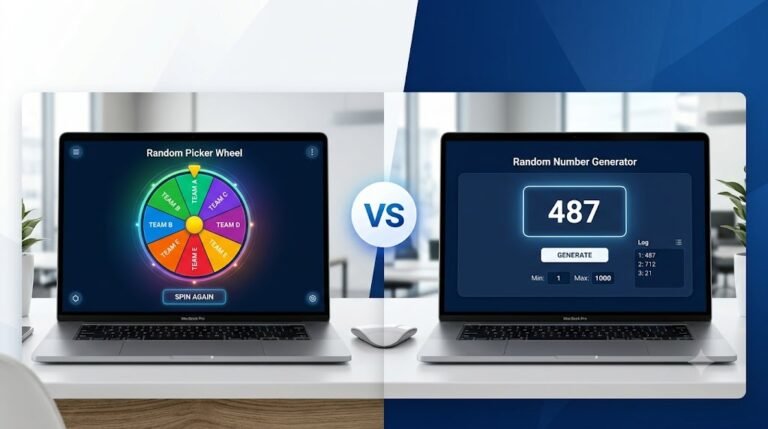
Random Picker Wheel vs Random Number Generator: Which Is Better?
Random Picker Wheel vs Random Number Generator: Which Is Better? Choosing randomly sounds simple—until fairness, transparency, speed, and the…

Decision Maker Wheel: How to Stop Overthinking Small Decisions
Learn how a Decision Maker Wheel can help you stop overthinking small decisions, reduce decision paralysis, and make everyday…